 Bezelry
Press kit
Writing about Bezelry? Here's everything you need: the facts, ready-to-use descriptions, the app icon and screenshots. Anything missing? Just ask.
Fact sheet
- Name
- Bezelry
- Developer
- Grigor Dochev, independent developer
- Platforms
- Mac, iPad and iPhone — one app, one purchase
- Requirements
- macOS 27, iPadOS 27 or iOS 27
- Launch
- October 2026
- Price
- Free download. Bezelry Pro: $5.99 a month, $29.99 a year (with a 7-day free trial) or $69.99 lifetime. US prices; they vary by country.
- App Store
- apps.apple.com/app/id6820685008
- Website
- bezelry.app
- Press contact
- [email protected]
Fact sheet as plain text (TXT, 5 KB)
Descriptions
Use these as they are, or edit them to fit.
One sentence
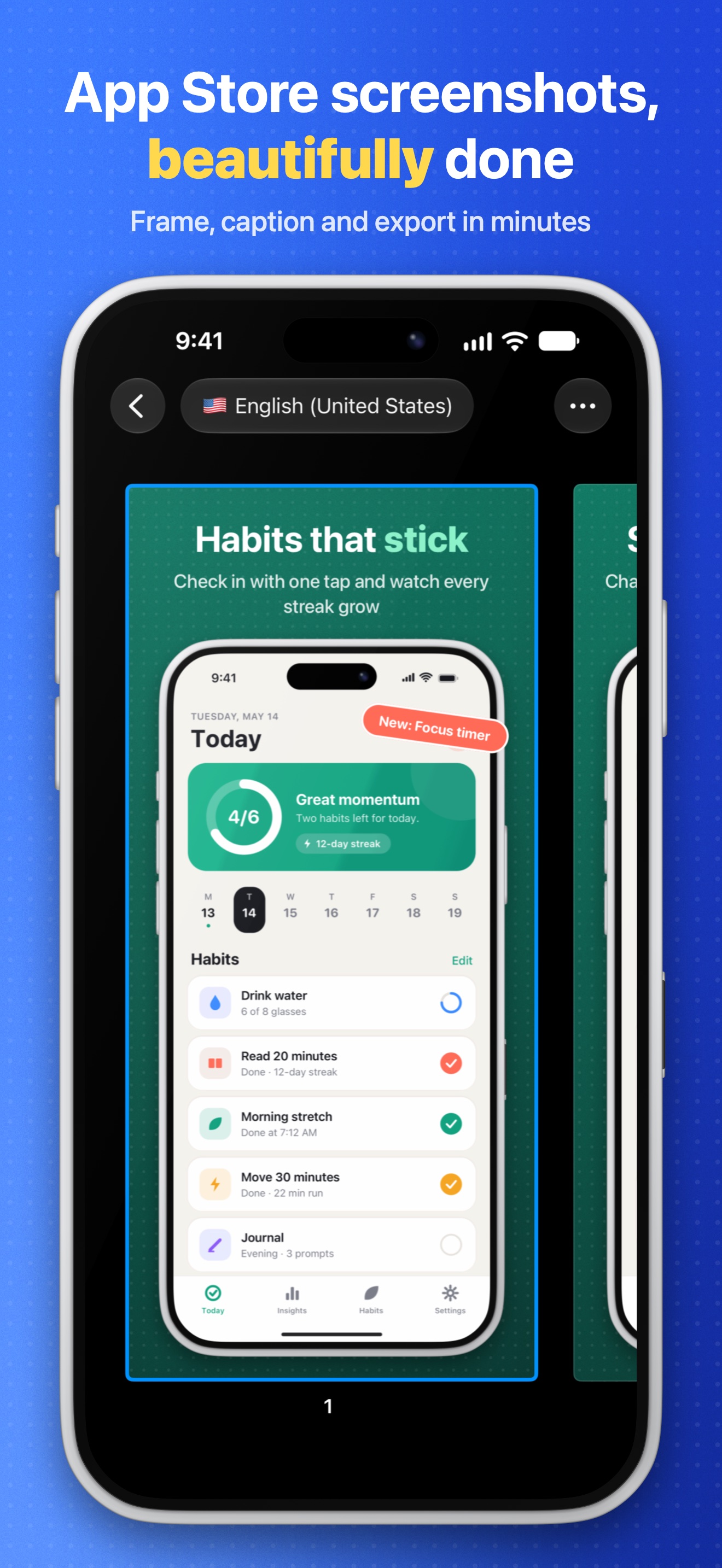
Bezelry turns raw screenshots into polished App Store screenshots — device frames, captions and backgrounds, in every size and every language — on Mac, iPad and iPhone.
One paragraph
Bezelry is a screenshot studio for app developers. Drop in raw captures from the Simulator or a device, pick a device frame and a background, write a caption, and Bezelry renders every size App Store Connect asks for, in every language, in one export — or uploads the set straight to App Store Connect. A built-in Store Page Preview shows the screenshots the way the App Store will, in light and dark. Every design feature is free; Bezelry Pro removes the export watermark and adds App Store Connect upload and AI caption translation with your own Anthropic API key.
Long
Screenshots are the first thing people see on an App Store product page, and making them is a chore: a design tool, a stack of device bezels, a spreadsheet of captions, and an evening of exporting every size in every language. Bezelry does the whole job in one app.
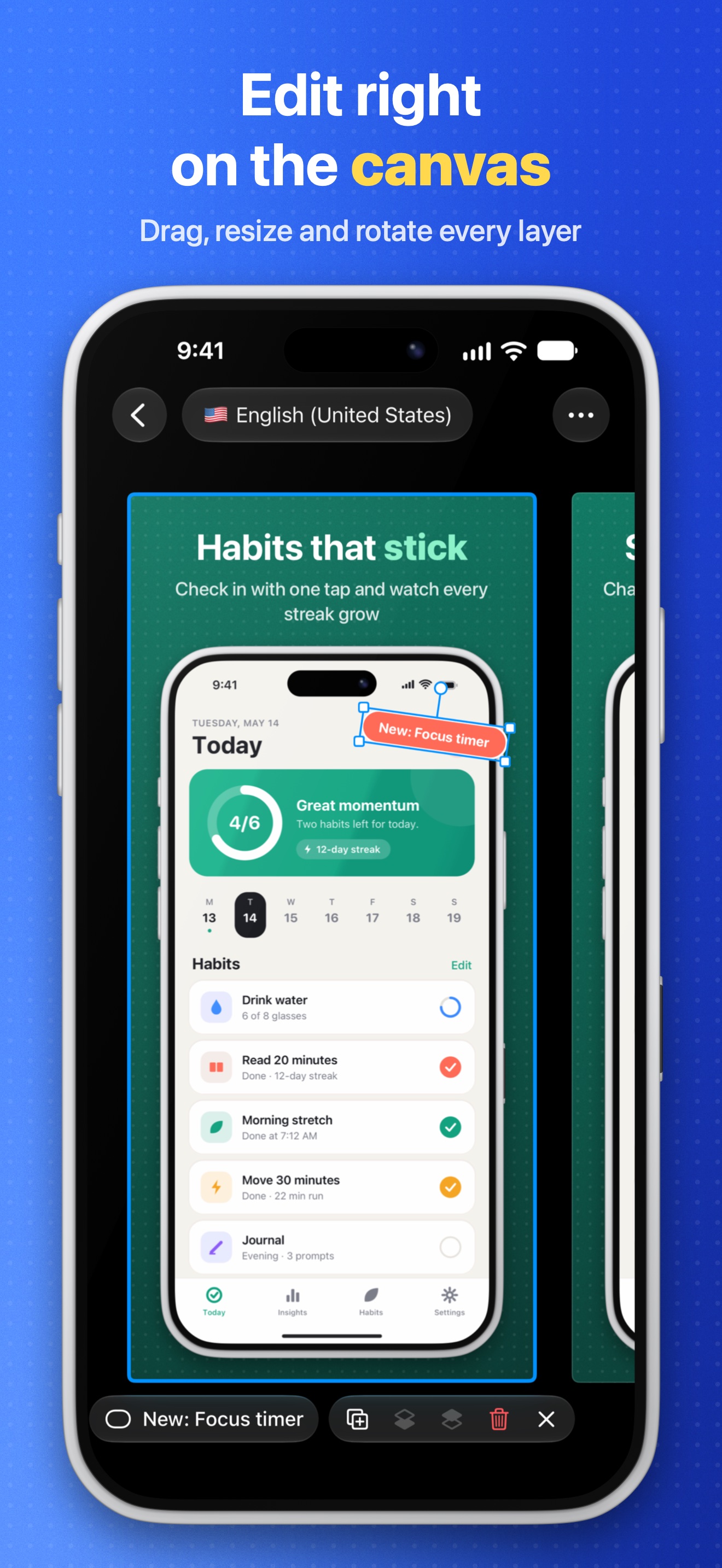
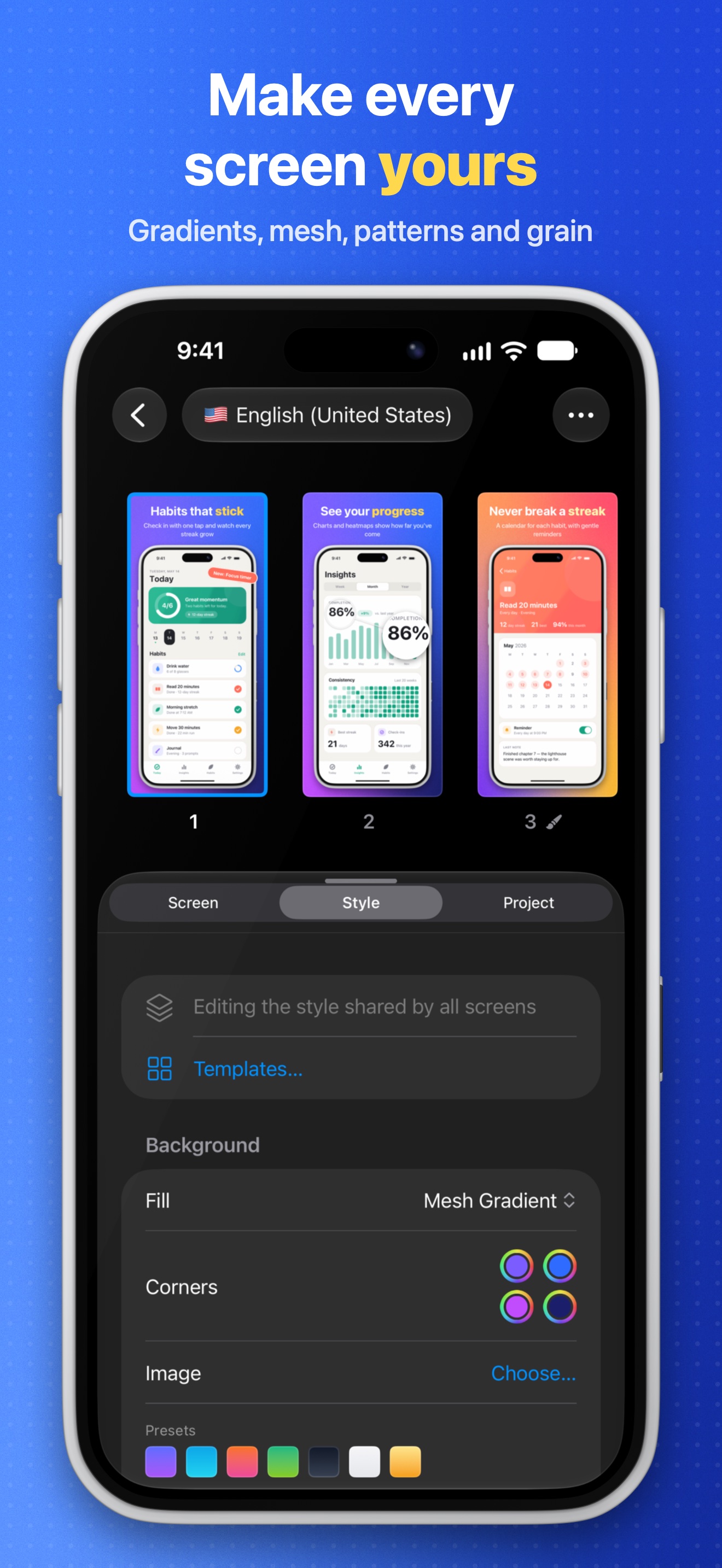
Drop in your screenshots and edit right on the canvas. Bezelry draws its own device frames in code — iPhone, iPad, Mac and Apple Watch, in real finishes or any color — so they stay razor-sharp at every size. Write captions with highlighted words, add badges, arrows, award laurels and zoom callouts, and choose from solid colors, gradients, mesh gradients and patterns. Style the whole set at once, or any single screen.
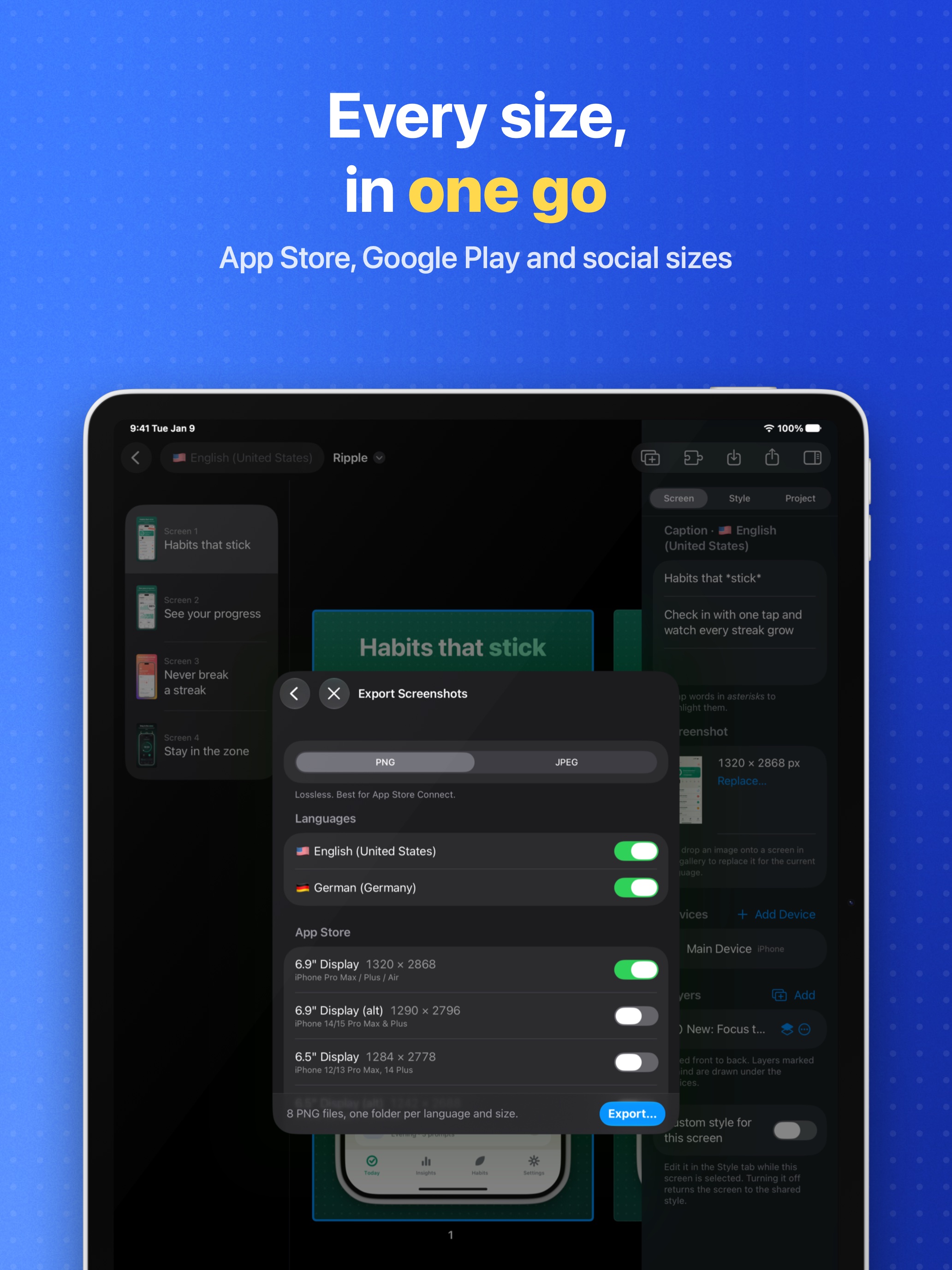
Give each of the App Store's languages its own captions and screenshots, translate captions with AI using your own Anthropic API key, and let the text-fit overview flag anything that runs long. Then export every App Store size — plus Google Play and social sizes — in one go, or upload straight into the version you're preparing in App Store Connect. The Store Page Preview lays your set out the way the App Store will, so you can catch a cut-off caption before App Review does.
Bezelry runs on Mac, iPad and iPhone, with projects that sync through iCloud Drive. There's no account, no analytics and no tracking. For developers, a command-line tool renders every size and language from CI.
Key features
- Code-drawn device frames for iPhone, iPad, Mac and Apple Watch, in real finishes or any color
- On-canvas editing, several devices per screen and panoramic sets
- Captions with highlighted words, auto-fit and right-to-left support
- Solid, linear, radial and mesh gradient backgrounds, patterns and grain
- Every App Store size, plus Google Play and social sizes, in one export
- Every App Store language, with AI translation using your own Anthropic API key (Pro)
- Upload straight to App Store Connect (Pro)
- Store Page Preview in light and dark, for every language (free)
- Simulator capture, watched folders and a command-line tool on the Mac
- Synced through iCloud Drive; no account, no analytics, no tracking
The story
Bezelry was made by Grigor Dochev, an independent developer who wanted a better way to make his own App Store screenshots: one app that handles frames, captions, languages and every size, on the devices he already uses.
Rather than shipping Apple's product images, Bezelry draws every device frame in code, so frames stay sharp at any size and come in any finish. It's private by design — no account, no servers, no tracking — and projects live in your own iCloud Drive.
Screenshots
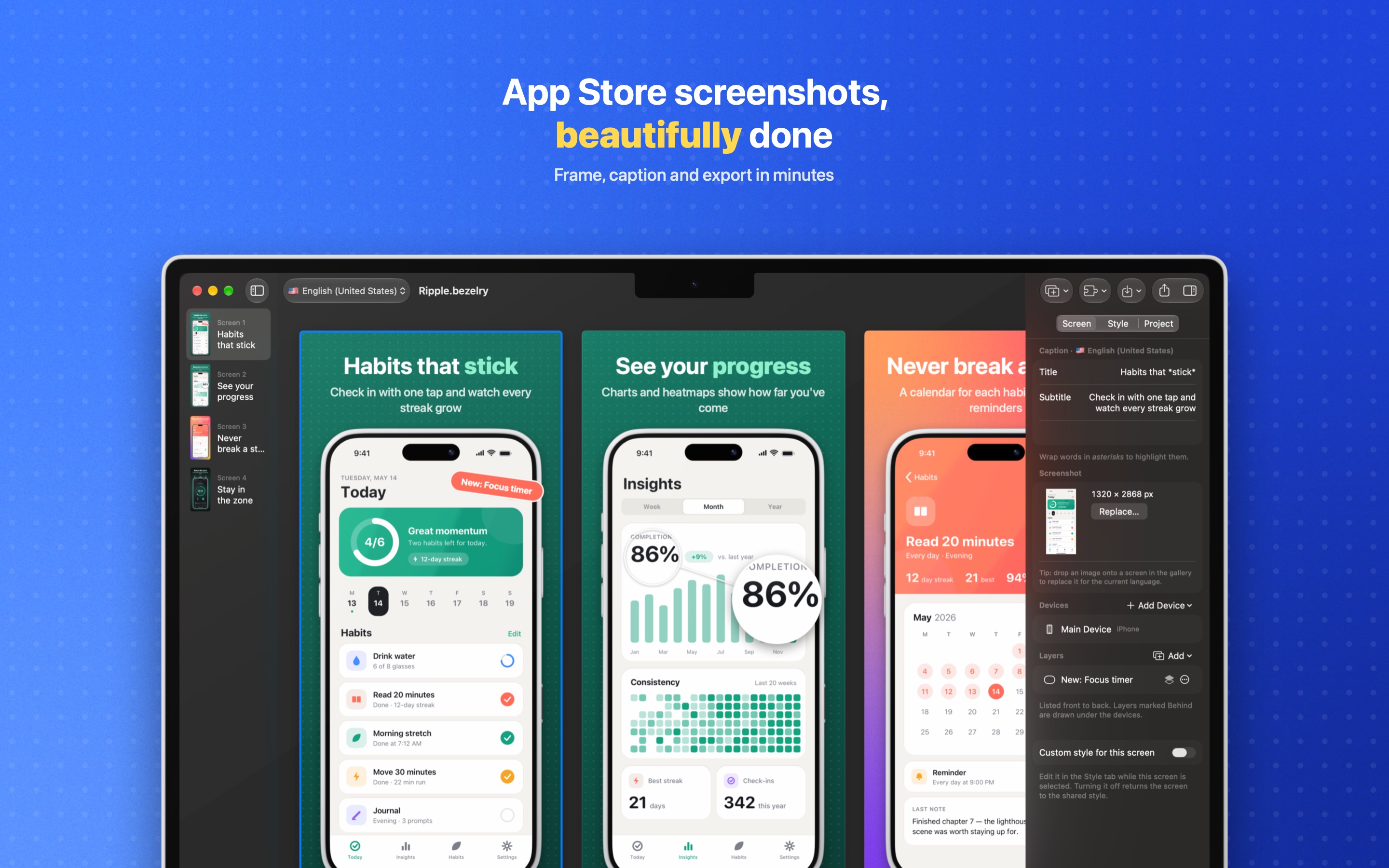
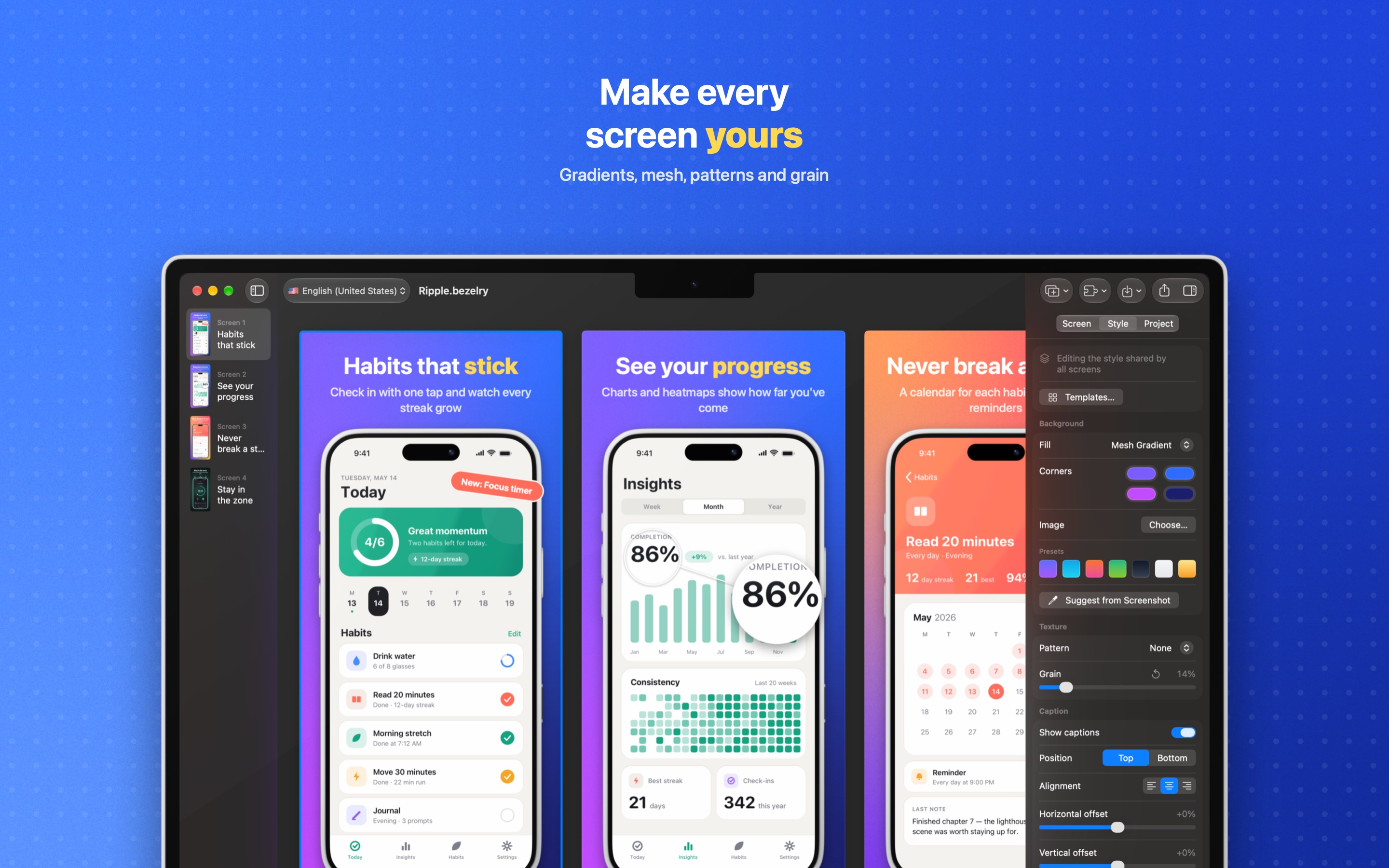
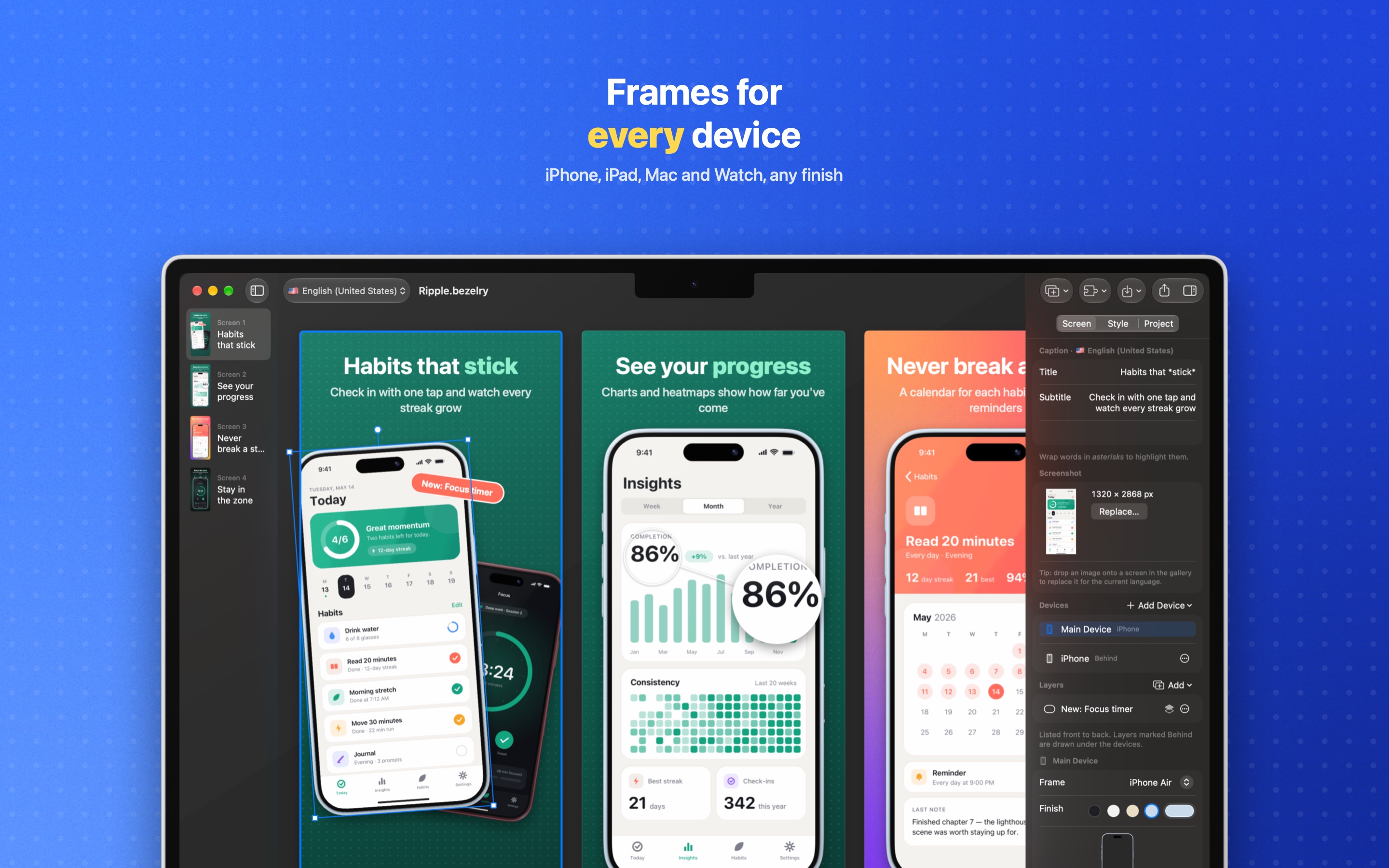
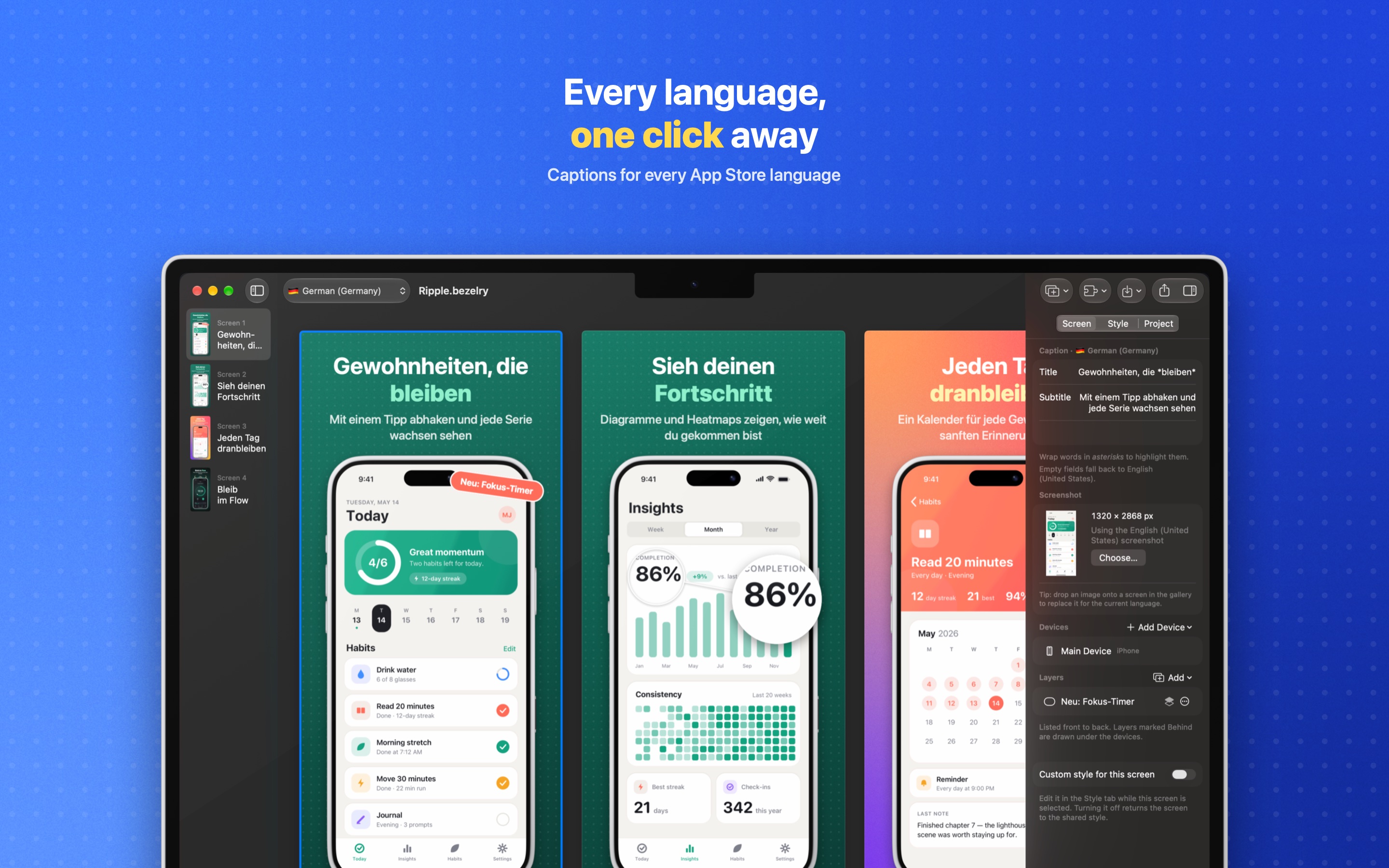
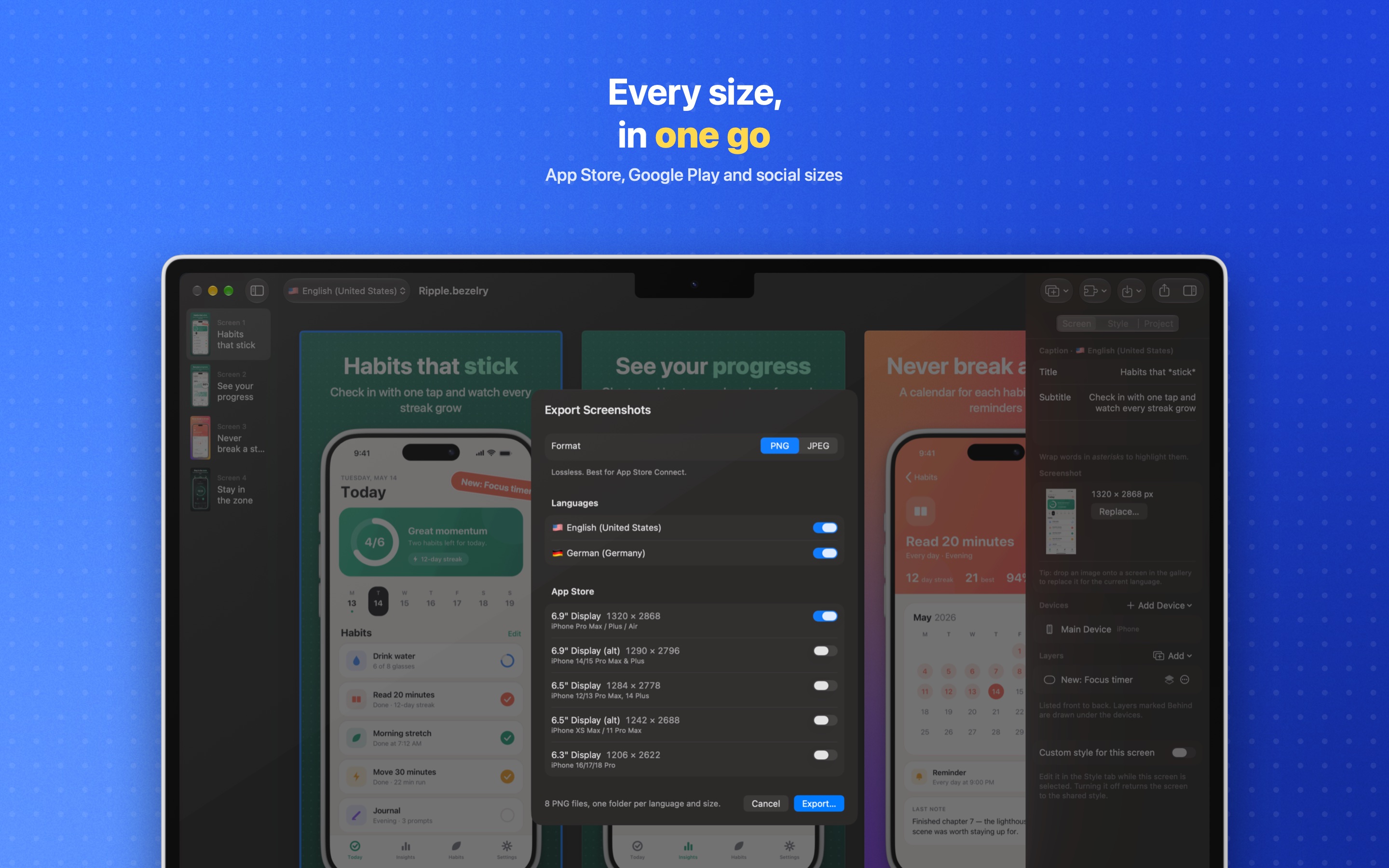
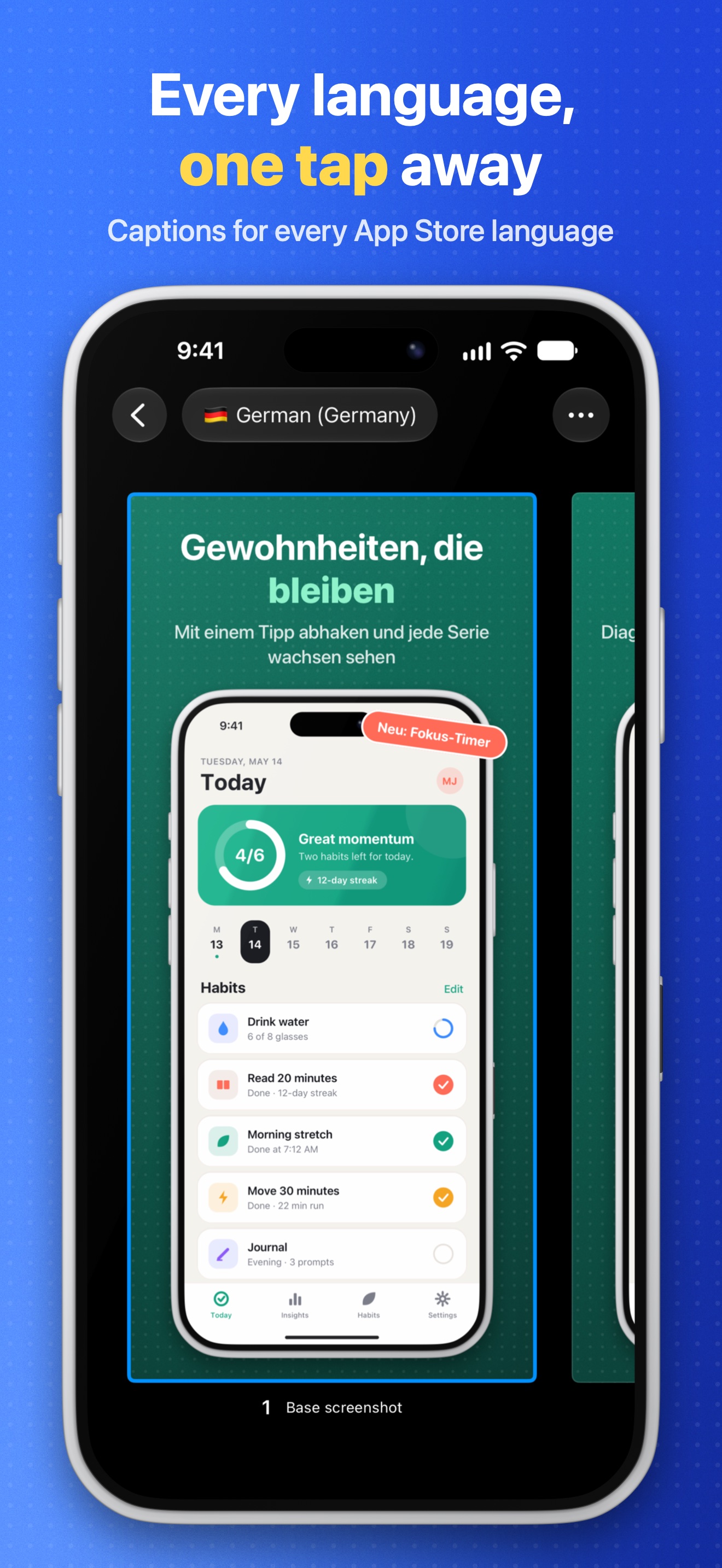
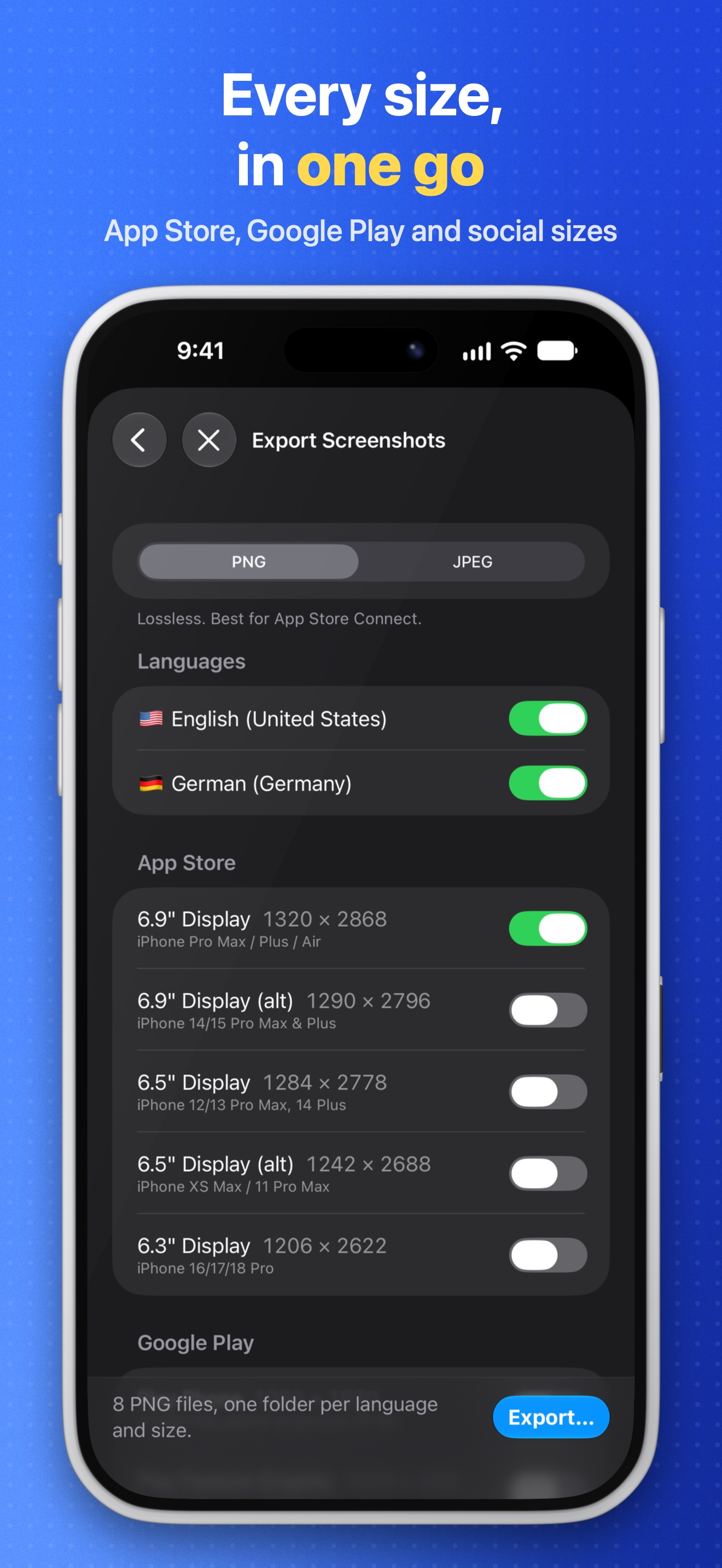
Bezelry's own App Store screenshots, made with Bezelry. Select one to open the full-resolution JPEG.
Mac 2880 × 1800
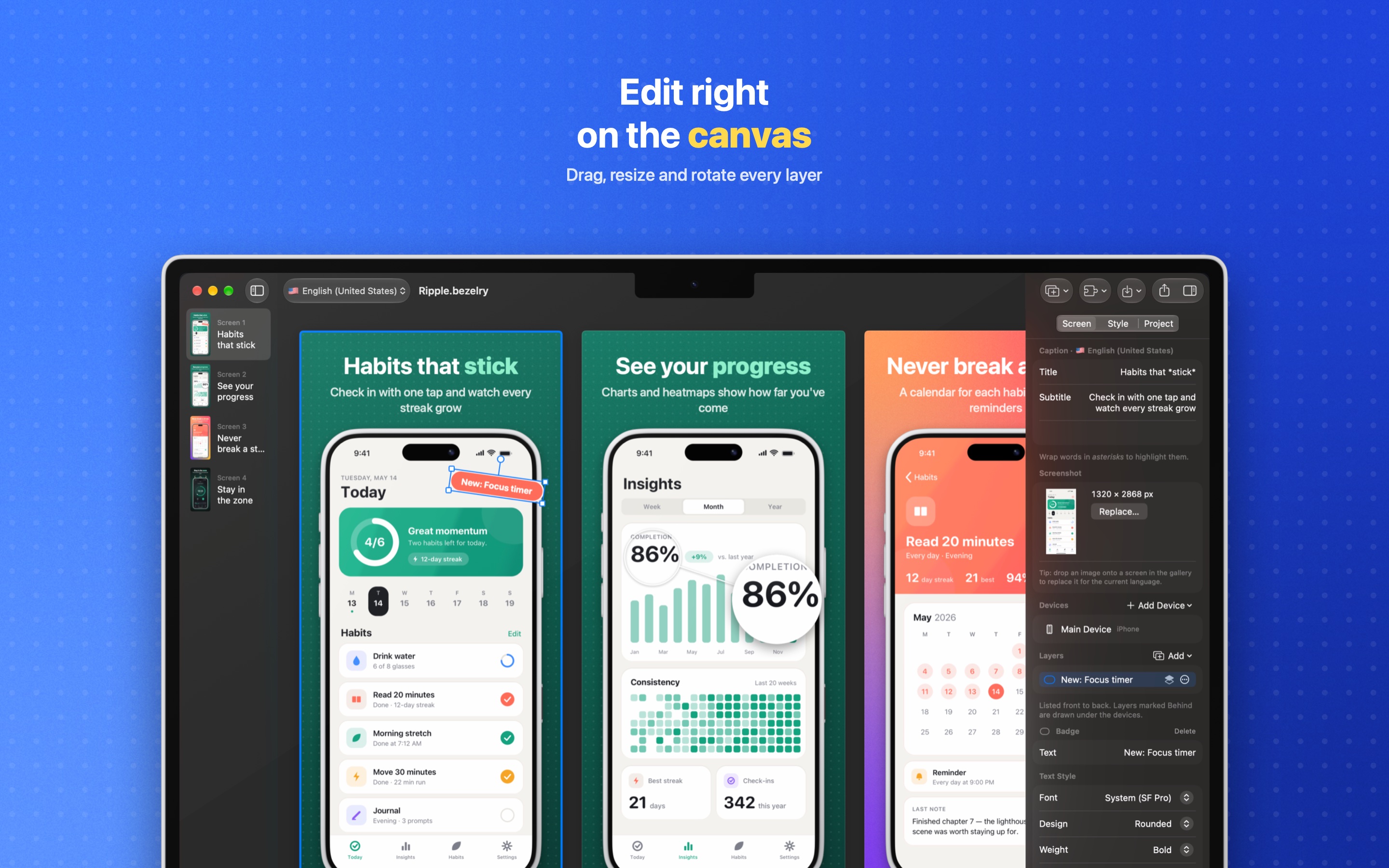
iPad 13″, 2064 × 2752
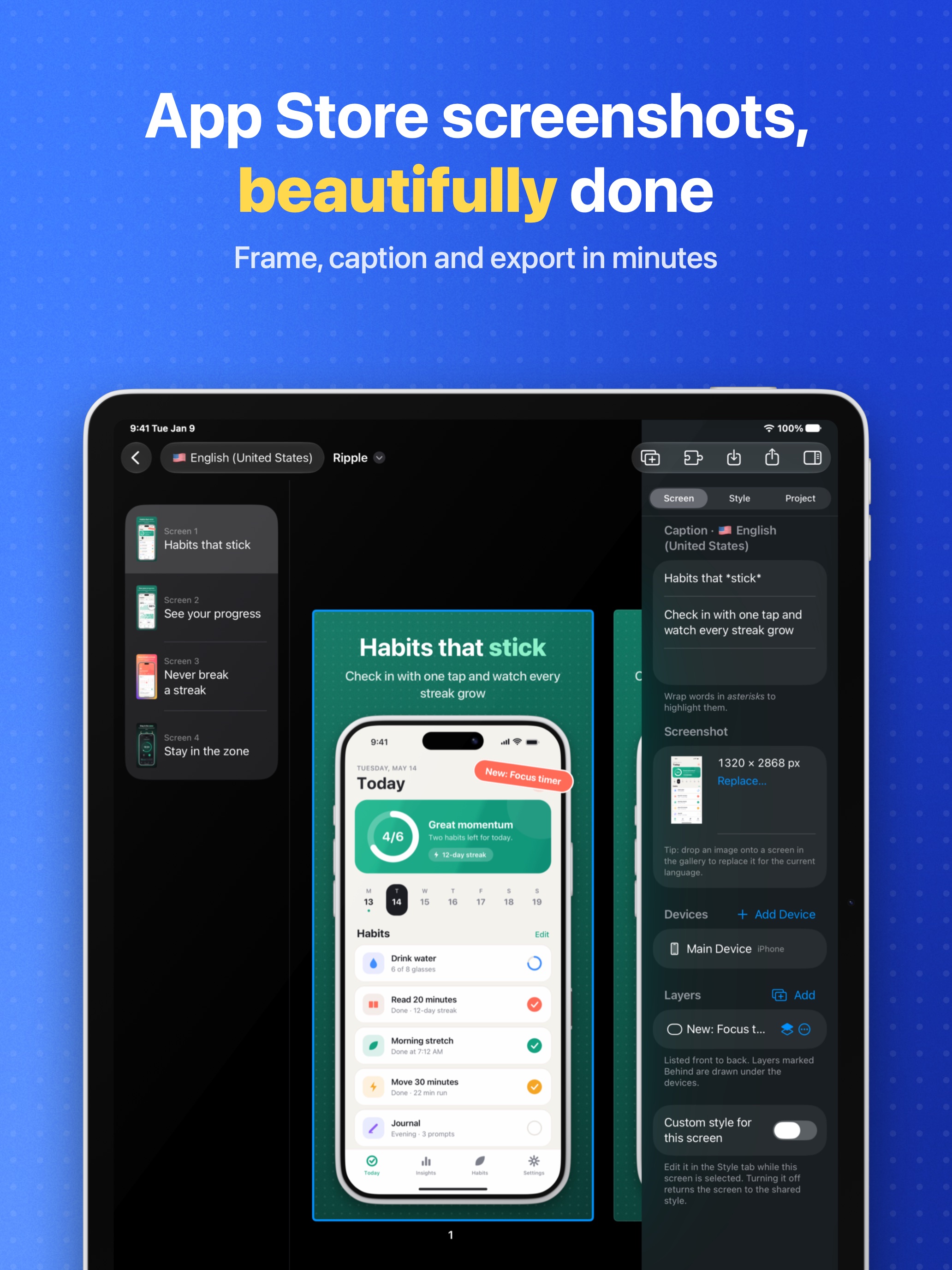
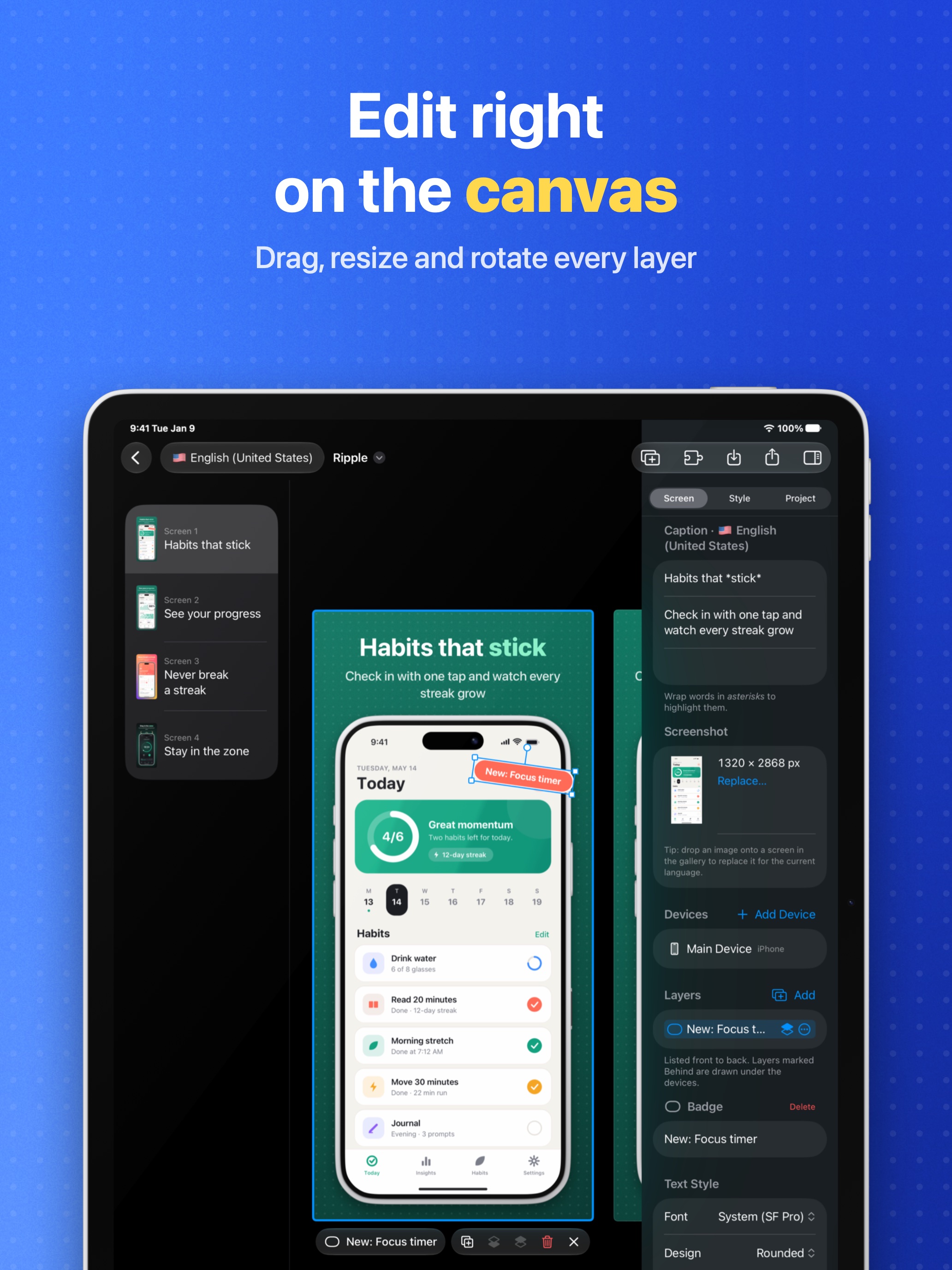
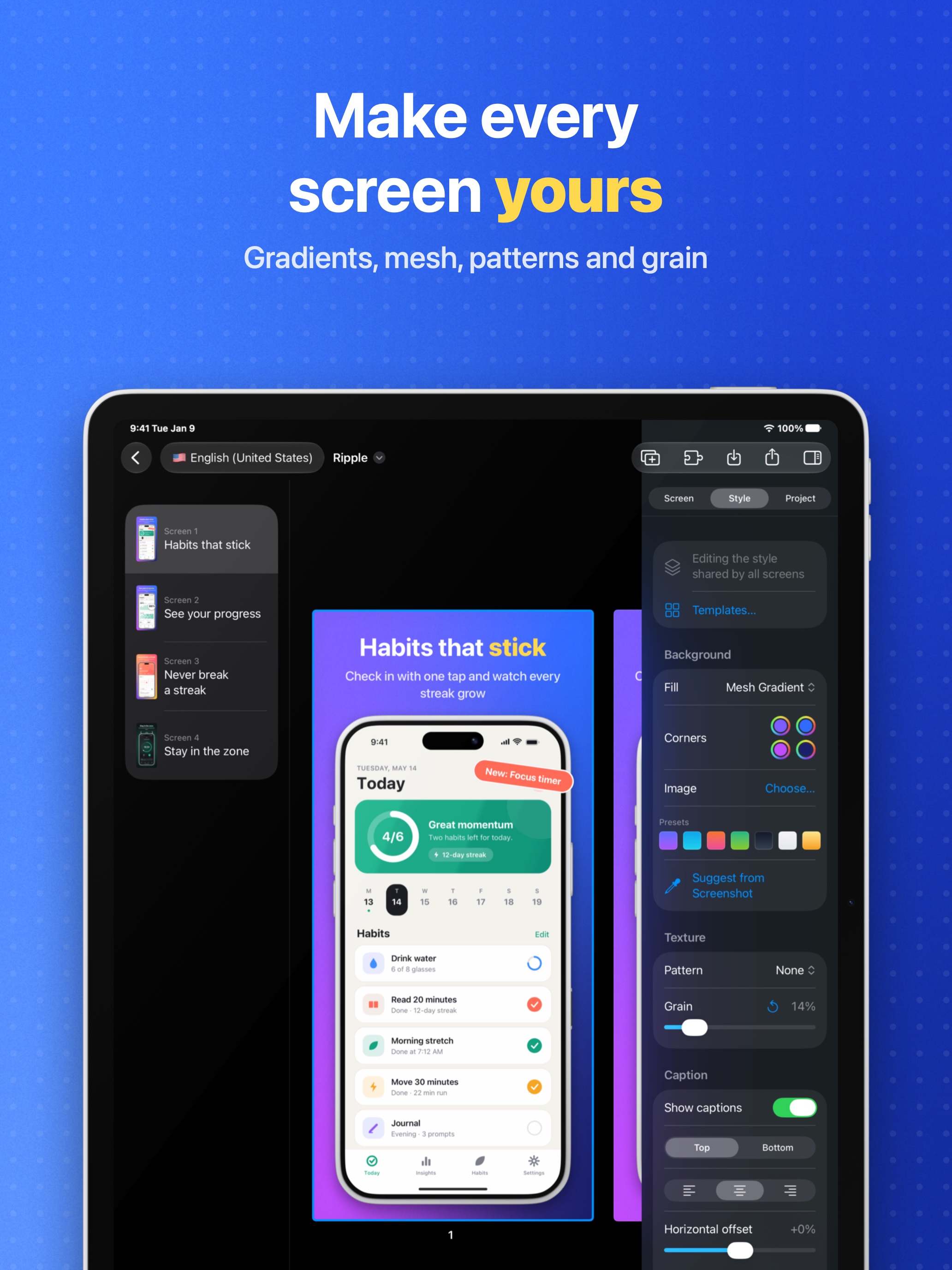
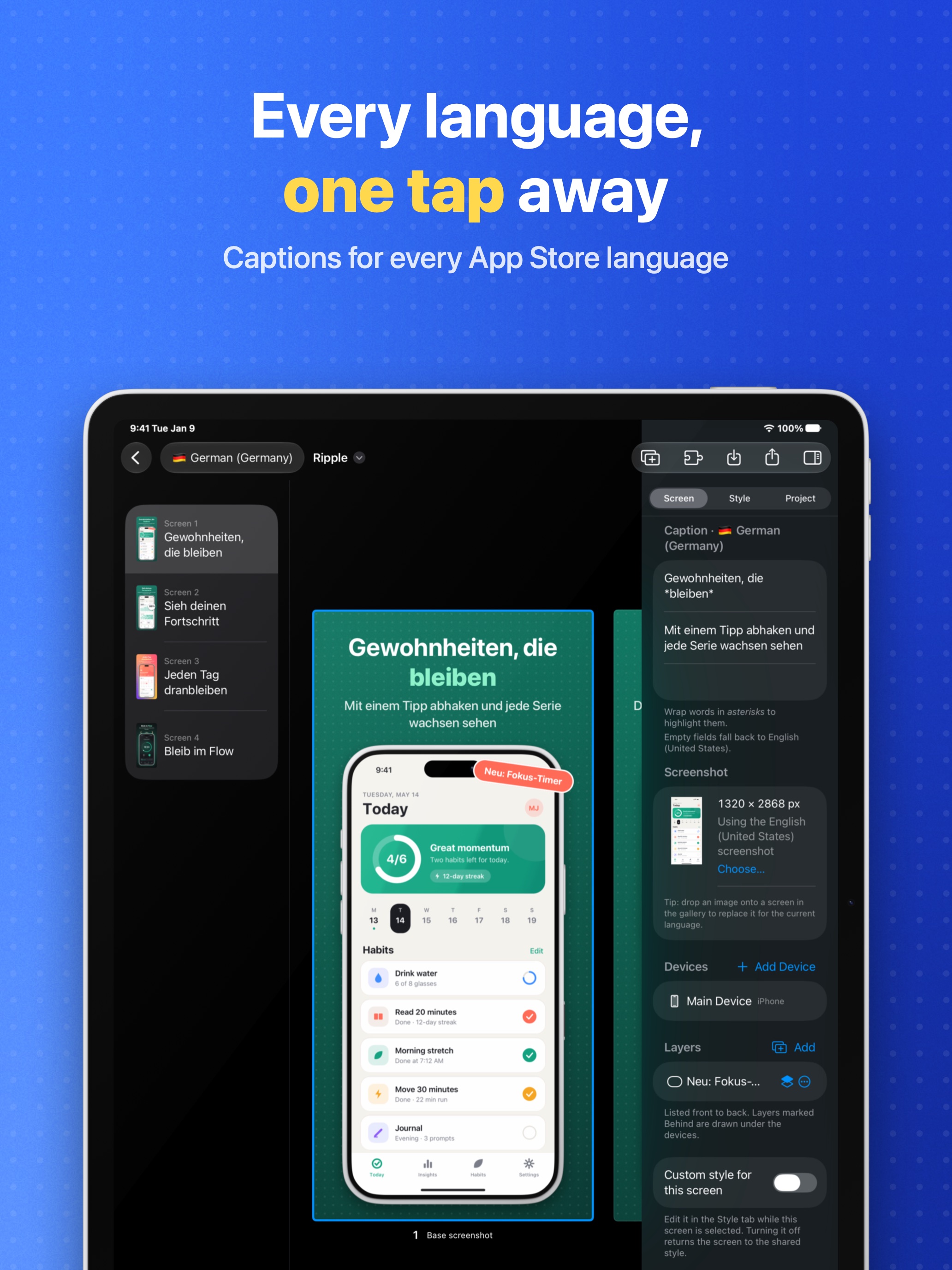
iPhone 6.9″, 1320 × 2868
Icon and brand
App icon
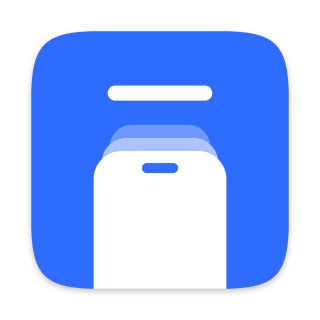
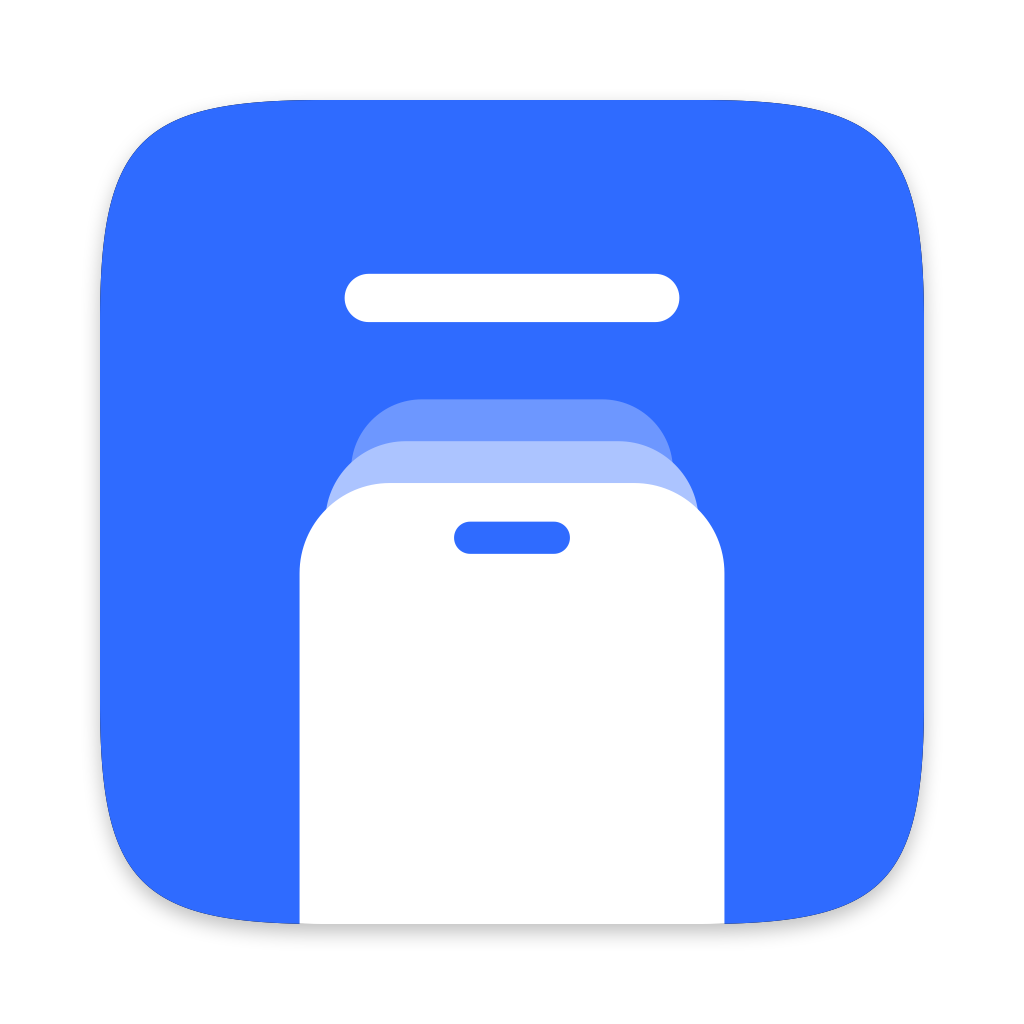
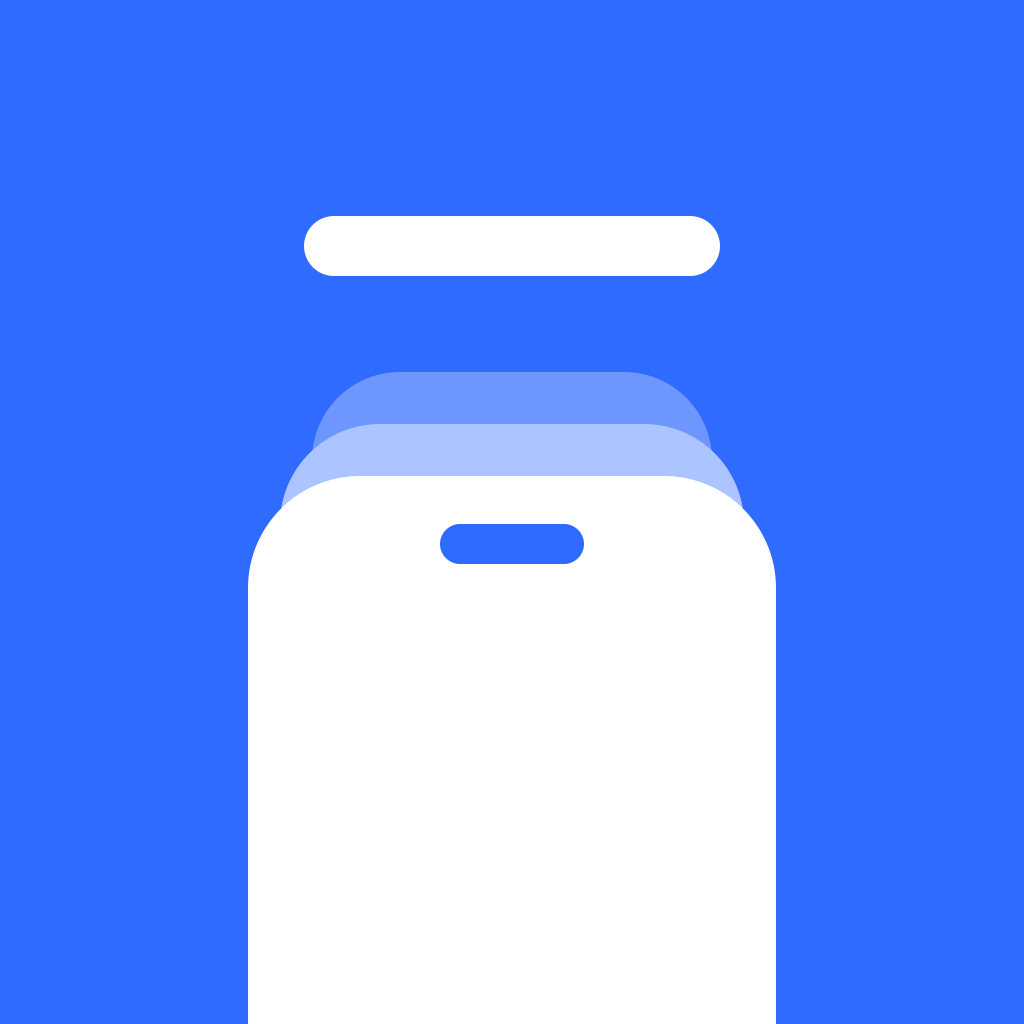
A white device under a caption bar, on Bezelry blue. Use it as supplied; please don't recolor, crop or add effects.
- Rounded, transparent corners PNG, 1024 × 1024
- Square, full bleed PNG, 1024 × 1024
Color
Bezelry blue, #2F6BFF, on white or black. Text on the blue is white.
Name
“Bezelry” is one word with a capital B — not “BezelRy”, “Bezel Ry” or all caps in running text.
Get in touch
For interviews, questions or anything else, email [email protected].